Note: Make sure you're logged on to your Thinking Nation teacher account before following the steps.
When you click on a specific class period, and you see the "Grades not released" label above the title of an assignment, this means that your students can't see their scores and feedback on their portals yet.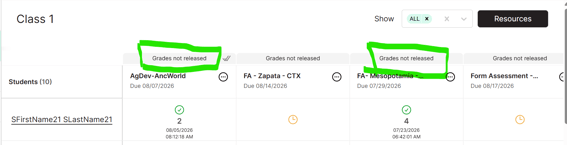
The grades need to be manually released by following these steps:
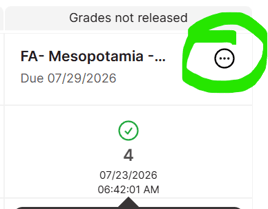
- Click on the Settings (circle with 3 dots) icon next to the name of the assignment that you want to release the grades for.
- A dropdown menu will appear. Select "Release Grades."
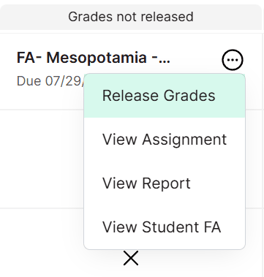
- Grades are now released. Students will now be able to see their scores and individualized feedback on their Formative Assessment or CRP.
Reminder: Please double check the AI-informed grades and feedback before releasing grades to students