Remember: You have to be signed in to you Teacher Account to be able to access and download PDFs of Thinking Nation's resources.
To download a resource in PDF form, just follow these step-by-step directions:
Step 1: Select any active class period to access a list of available resources.
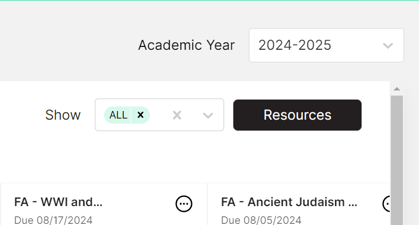
Step 2: In the top, righthand corner of the class period screen, there will be a black "Resources" button.
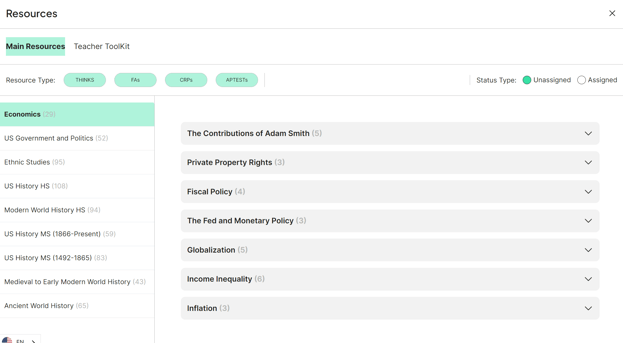
Step 3: You will be taken to the Resources screen.
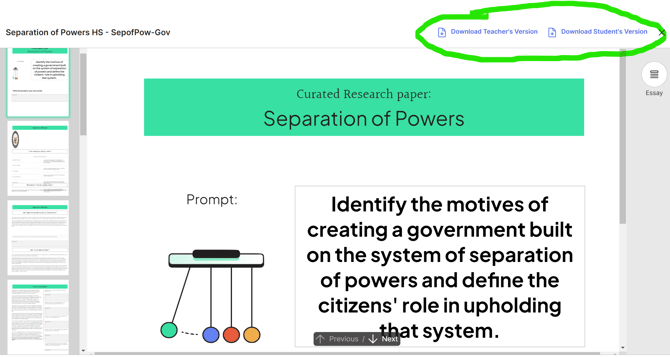
Step 4: When you have decided which resource you will be using, click the green "Assign" button, it will automatically open so you can preview it. In the top righthand corner, you will have the Download as PDF option.
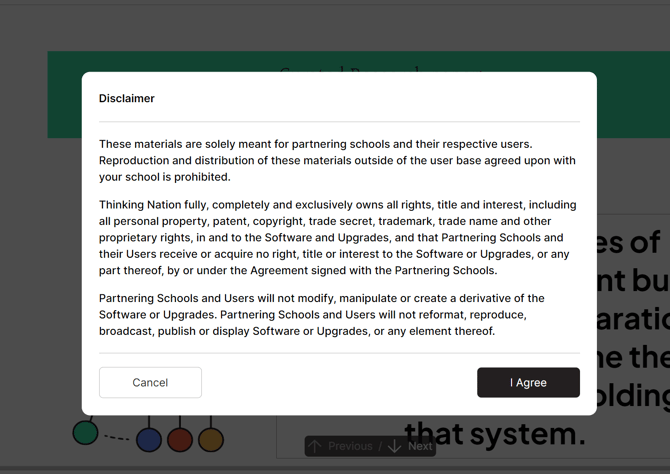
Step 5: Once you have selected the download option you need, you will be prompted to read a short disclaimer from Thinking Nation. The two options are "Cancel" or "I Agree." If "I Agree" is selected, the PDF of the resource will open in a new tab where you will be able to print or download it.