
Note: Please make sure you are logged on to your Thinking Nation teacher portal to access this feature.
To assign a THINKS (Doc Analysis) to your students, please use the following instructions:
1. Navigate to any class period and click on the black "Resources" button: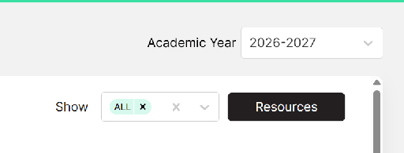
2. Browse the available resources and select the THINKS you would like to assign to your class(es).Click the green button on your screen that says "Assign": 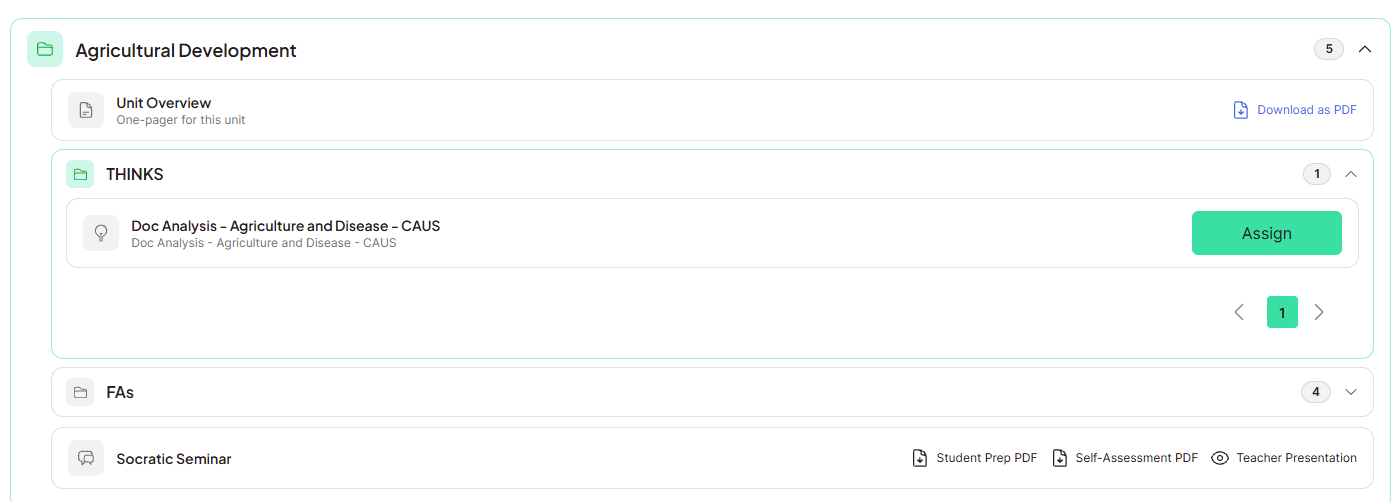
3. You can preview the THINKS before assigning it to your students. Click the "Assign to [Class Name]" button to set the Start and Due dates: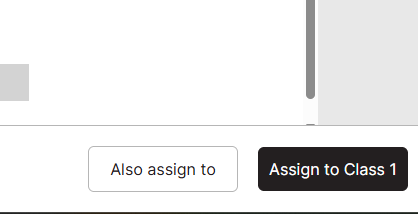
4. Once assigned, you can Edit the dates, assign to other class periods, or unassign the THINKS altogether. 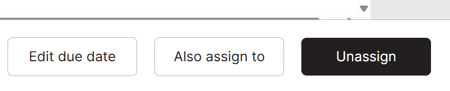
Note: If scheduling an assignment ahead of time, the assignment will not show up on the student portal until the Start date.